
Have you ever been using your computer and you realize the operational indicator light next to your webcam is activated, only to realize that you never closed the video conference you were just on? Well, what would happen if you noticed it and you didn’t have that software up and running? If you are not an exhibitionist, it would likely freak you out to know that someone might be looking at you as you use your computer. Today, we will get into what to do to ensure that you aren’t being spied on through your webcam.
Global Tech Solutions Blog
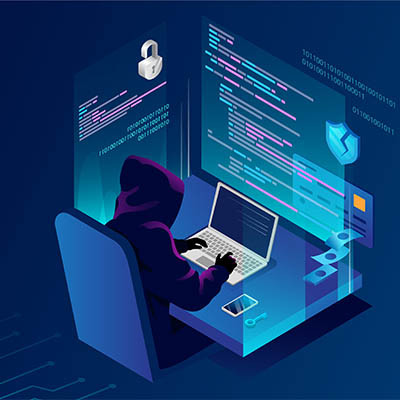
We’re all familiar with the idea that pop culture has cultivated in our minds about computer hackers, but as it happens, this impression is just one of the many shapes that the modern hacker can take. This kind of closed-off view is dangerously shortsighted, so let’s take a few moments to dig into the kinds of hackers there are, in ascending order of the threat they pose to your business.
Businesses spent a lot of time and money in 2020 adjusting to the COVID-19 pandemic. One could argue that many of them didn’t have a plan until it was to the point where either they made one, or their business collapsed. Some collapsed anyway. It has been a difficult year with businesses that have made it through doing the right things and using a set of new tools that allowed their operations to remain effective. Many of these tools will be phased out when the time comes, but one is absolutely here to stay: video conferencing.
Contemporary movies are filled with high-stakes cybercrime, where a lovable criminal syndicate breaks into a company’s systems to help wreak havoc on the true villains of the film, all the while exposing the company’s dirty laundry. Naturally, this idea can be frightening for any business, whether or not they have any dirty laundry to air out—after all, nobody wants a ruined reputation—and is unfortunately less and less of a fantasy all the time.
For the Windows user seeking to take a screenshot, there is no lack of options. Most notably, many keyboards today offer a Print Screen key that allows the user to capture an image of their entire display. Having said this, there are better options, such as the platform’s integrated Snip & Sketch tool, with its greater functionality and greater ease of use.